

De-icing & Anti-icing
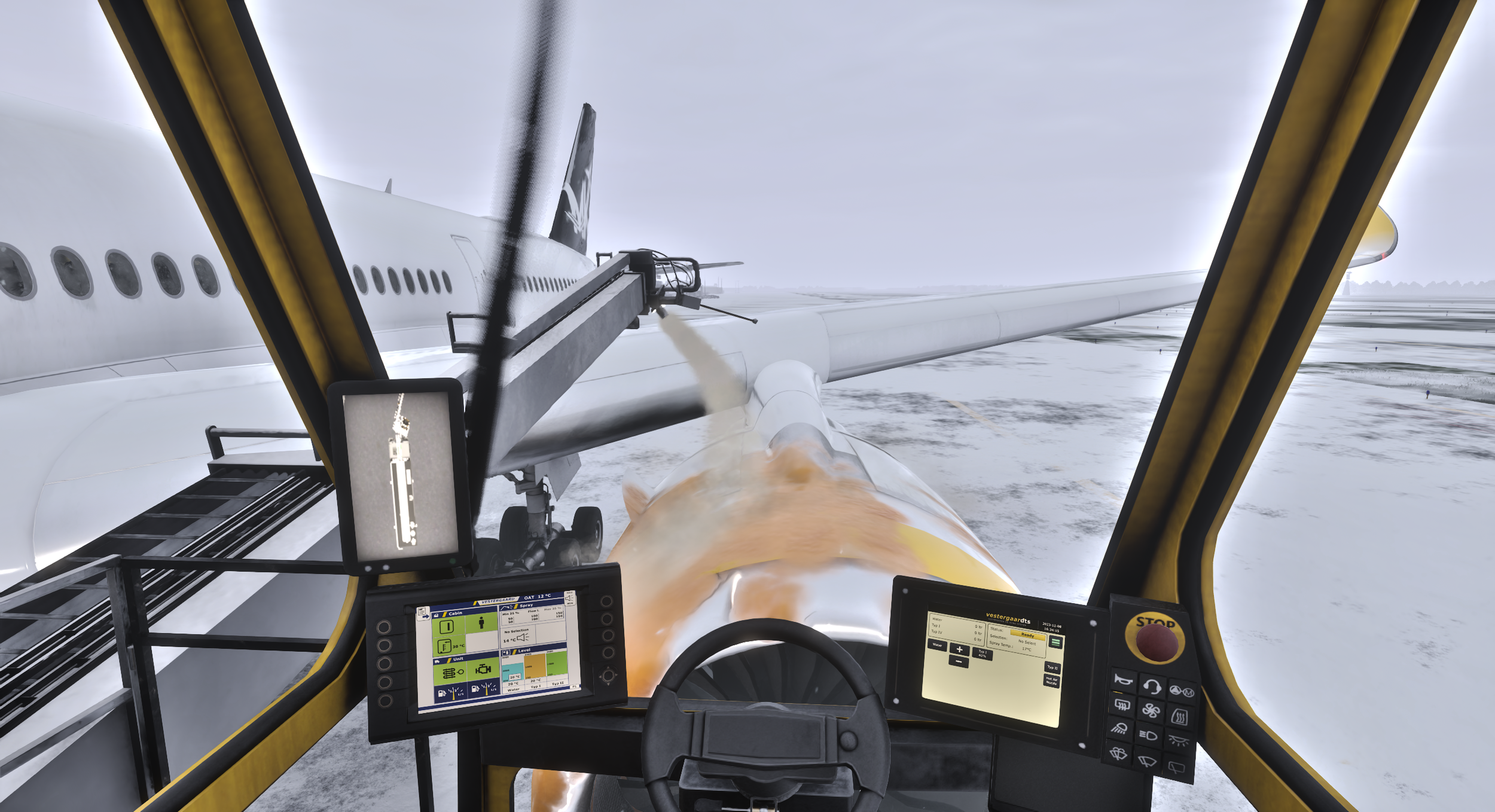
One of the modules of our ground handling simulator. Trainees run the full de-icing and anti-icing procedure, from fluid selection to holdover time, before ever standing at a real truck.
What the Exercise Covers
A complete de-icing procedure, from reading the aircraft's snow and frost coverage to choosing the right fluid and clearing it for departure, with a live readout on the instructor side of what is still outstanding.
The Procedure, Phase by Phase
The trainee moves through four phases before an aircraft is cleared for departure. Each tab is one of those phases.
Four Fluids, Four Purposes
Fluid is not one choice. Each type trades speed against protection time, and picking the wrong one for the conditions either wastes fluid or leaves the aircraft exposed.
TYPE I
The fast option. Applied hot to clear existing snow, ice and frost before the protective layer goes on. Shortest protection window of the four, built for a quick turnaround.
TYPE II
A thicker fluid that stays on the surface longer, used when an aircraft needs more time on the ground before departure than Type I allows.
TYPE III
A middle ground between Type I and Type II, developed for smaller aircraft that do not reach the takeoff speeds larger fluids depend on.
TYPE IV
The longest protection window of the four, used when conditions or ground delays mean the aircraft will sit exposed for a while before takeoff.
Further fluid types and mixtures are added on request.
De-icing Is a Race Against a Clock, Not Just a Spray Pattern
Every procedure runs on a holdover window that starts the moment fluid is applied. Complementary elements cover that pressure end to end, so an operator trains the full decision, not only the spray pattern.
Where a De-icing Task Goes Wrong
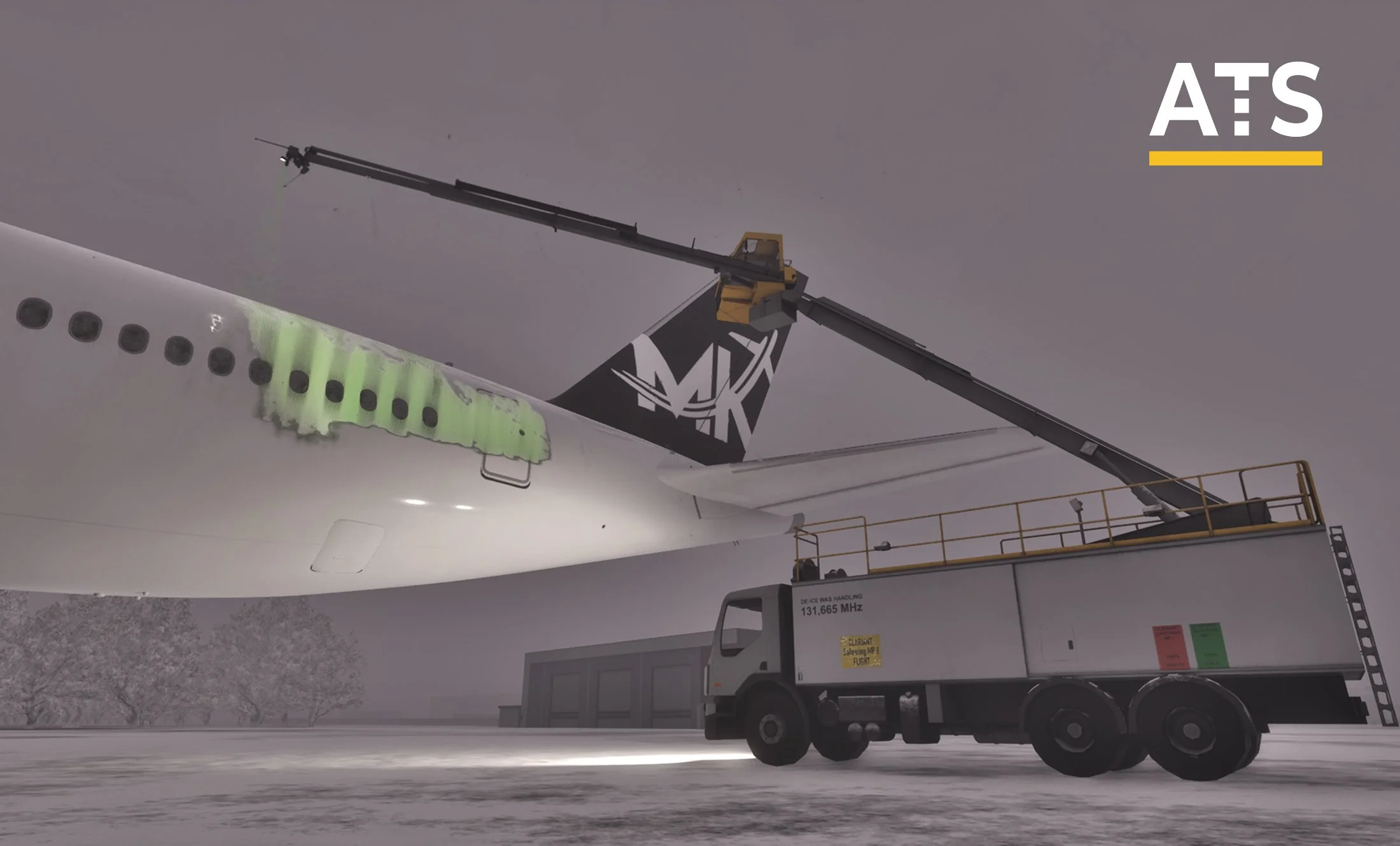
Almost nothing goes wrong at the nozzle. It goes wrong in the decisions around it, minutes before or after the spray itself.
Boom and aircraft clearance
The arm operates close to the fuselage and engines. Misjudging the angle or distance risks contact with the aircraft, the exact outcome the procedure exists to avoid.
Holdover time running out
Protection has a limited window. If departure slips past it, the aircraft needs treatment again before it can leave, and the module tracks that window in real time.
Fluid mismatched to conditions
The wrong type for the temperature and precipitation either clears off too soon or holds the aircraft longer than needed at the stand.
Adapted to Your Fleet, Your Airport, Your Fluids
We do not just simulate a truck. We recreate your environment. From your deicer's cabin layout to your airport's deicing stands, everything is customized to reflect your real world setup.
Aircraft Support
Compatible with the aircraft you deice every day:
- Narrow body, wide body and regional aircraft
- Different wing and fuselage geometries per type
- Additional types available upon request
One simulator. Multiple aircraft. Full compatibility.
Airport Integration
Compatible with the airport you operate every day:
- Built from real deicing stand locations and layouts
- Includes apron geometry and access routes to the stand
- Local procedures and safety areas based on your operations
We recreate your real airport environment. No presets. No generic maps.
Fluids and Procedures
Matched to the equipment and the method your station uses:
- Your deicer cabin, controls and fluid panel
- Your fluid types, holdover tables and local procedure
- Delivered with documentation and support
Need something specific? We will build it for you.
Our core value is addressing real, operational needs.
The system can expand in any direction. We build custom vehicles, airports, procedures and full scenarios to reflect your operational environment and training standards.
Contact usFreezing rain, low visibility, and the same holdover times
Weather and time of day are set by the instructor before the session starts. Fluid selection and holdover time calculations do not loosen because it is snowing at two in the morning, and putting the same operator through the same procedure in different conditions is where the shortcuts show.
Hardware Configuration
Multiple station configurations. Each one runs the same simulation and the same procedures.
More Training Modules
Explore additional simulation modules designed to complement core ground handling training. Each module focuses on specific operational areas, enabling targeted skill development and comprehensive procedural coverage.
Because real-world operations don't wait for perfect conditions.
Train safely. Save costs. Perform better.